
I recently installed the X14 6gb+128GB radio on a 2017 Subaru Forester. Aproximately 1 out 3 times i start my car it automatically opens a screen where the left side is google maps and the right side shows spotify/media which is what i want to have every time. The other 2 out of 3 times it shows random other screens and i am unable to navigate back to that navigation/media screen that is my preference. How do i navigate to that screen, and is it possible to set that as the default display when i first turn my car on?
Here is the screen that i want to use as default:
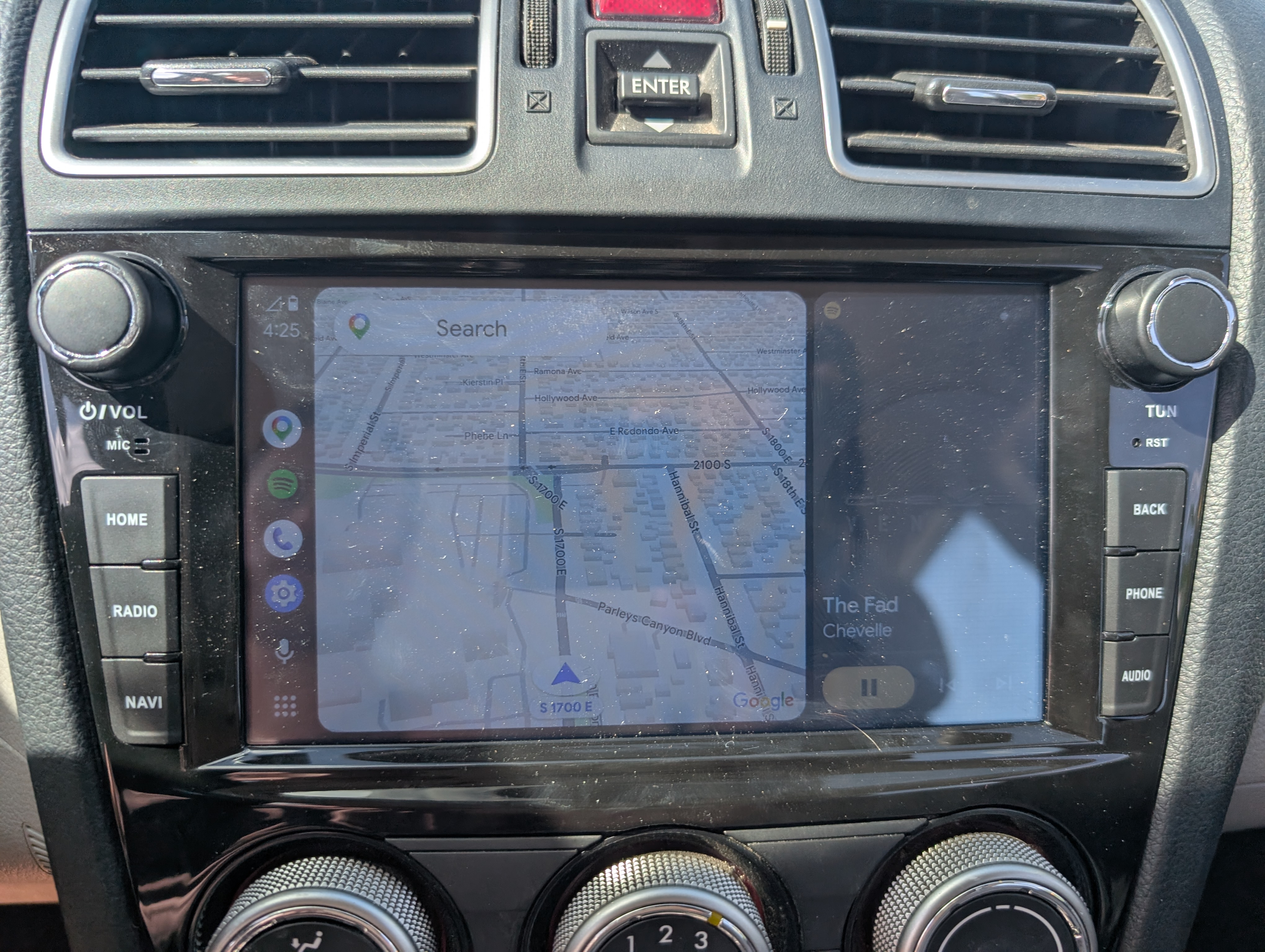
I currently am using my phone connection for navigation/maps, i do not have a sim card installed.

