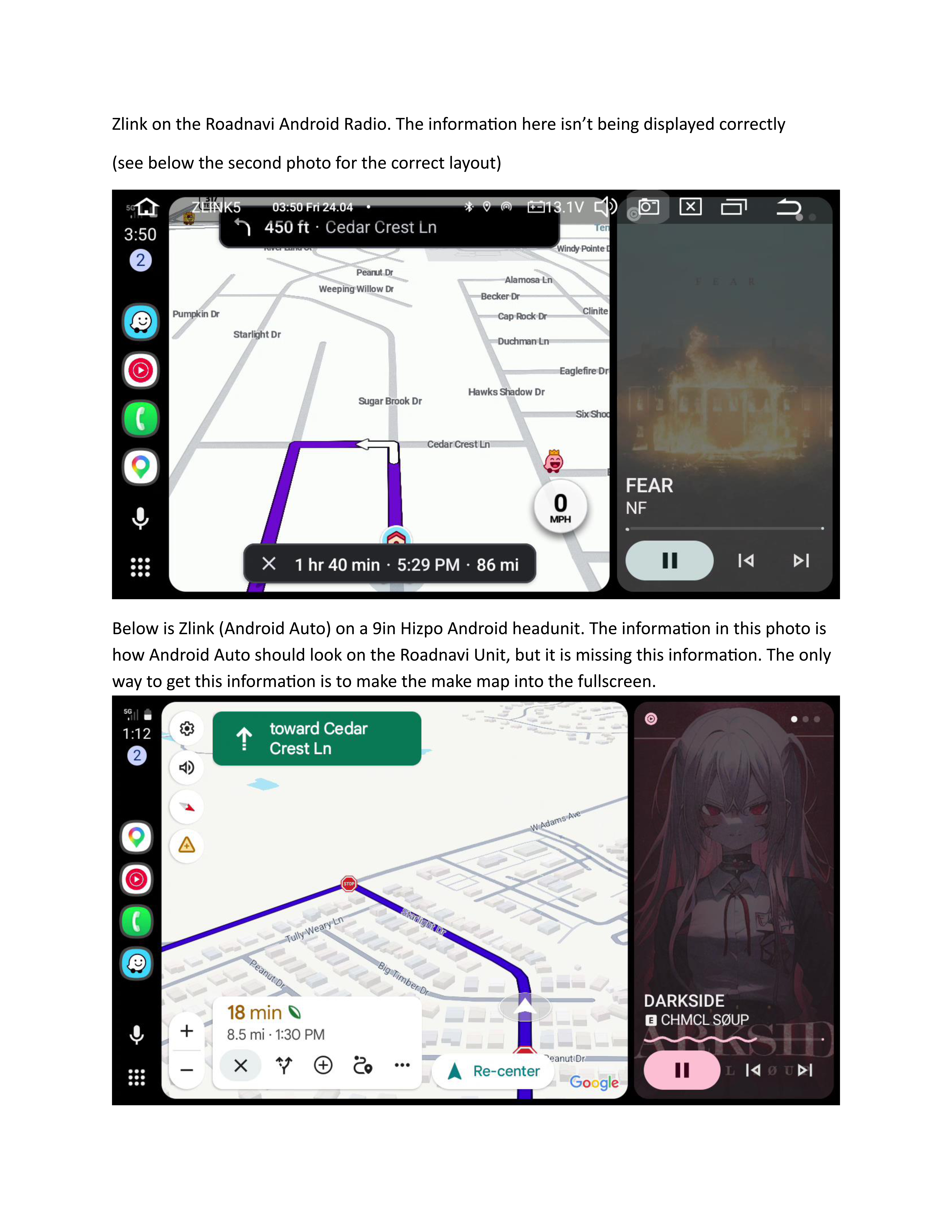
 I am having an issue getting the correct display of Android Auto to show on Zlink. I included a photo of Zlink from 2 Android Headunits. the top is from Roadnavi and the second is from Hizpo. The bottom photo is what Android Auto looks like on every other andoid and non-android headunit. Im not sure what is going on with the Roadnavi version but its not very good to have to constantly switch between screens when it intended to be on a single sceen.
Amazon Order# 113-8910073-5042650
@Brian
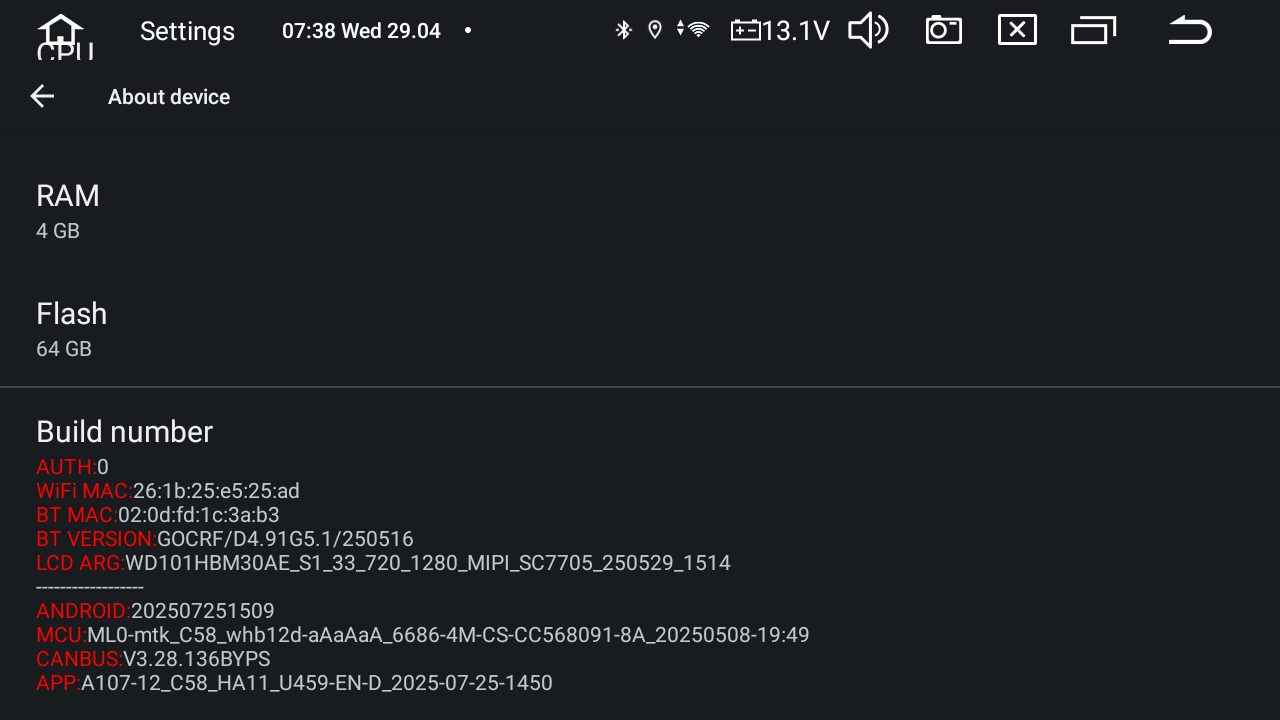
Please go to Settings>About Device and send us a screenshot about the current APP version and MCU
Dear Brian,
Thank you for your info.
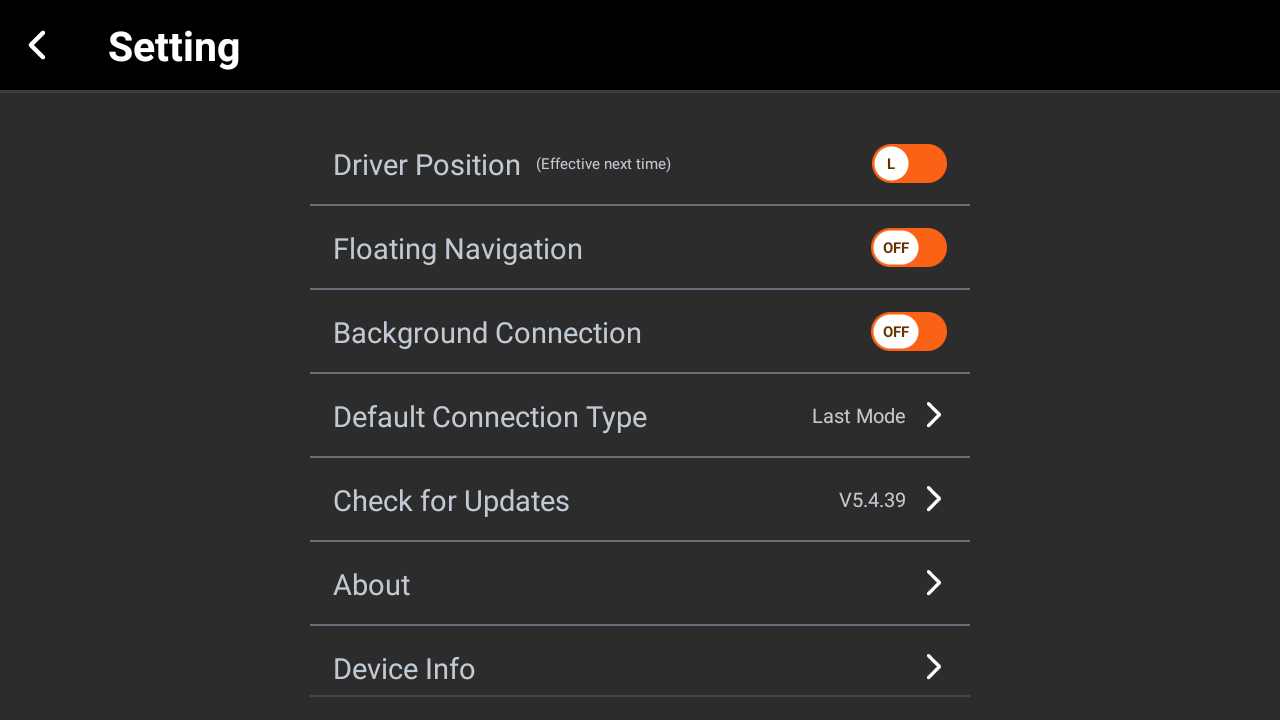
Could you please go to the ZLINK app of the Hizpo head unit and take a pic of showing the ZLINK version to us?So that we could confirm the version difference.
@Brian
Dear Brian,
Thank you for your info.
Could you please go to the ZLINK app of the Hizpo head unit and take a pic of showing the ZLINK version to us?So that we could confirm the version difference.
@Brian
Hello.
Thanks for sharing the picture.
Zlink APK:
https://www.dropbox.com/scl/fi/88gvnqcog30v7y9ij4d2r/zlink5-ziqi-a007.5.5.apk?rlkey=eceg54k76esdv1z35qd7ogjeb&dl=0
Please try to install the new version Zlink as follows to see how it goes.
1.
Download above Zlink APK via computer/laptop.
2.
Copy the Zlink APK into USB drive.
3.
Insert USB drive into the head unit via single/dual USB cable,
4.
Copy the APK to unit and then tap to install it.
5.
Remove the USB drive safely.